

Blog
Best Glasses for Long Hours of Screen Time: An Optical Expert’s Guide

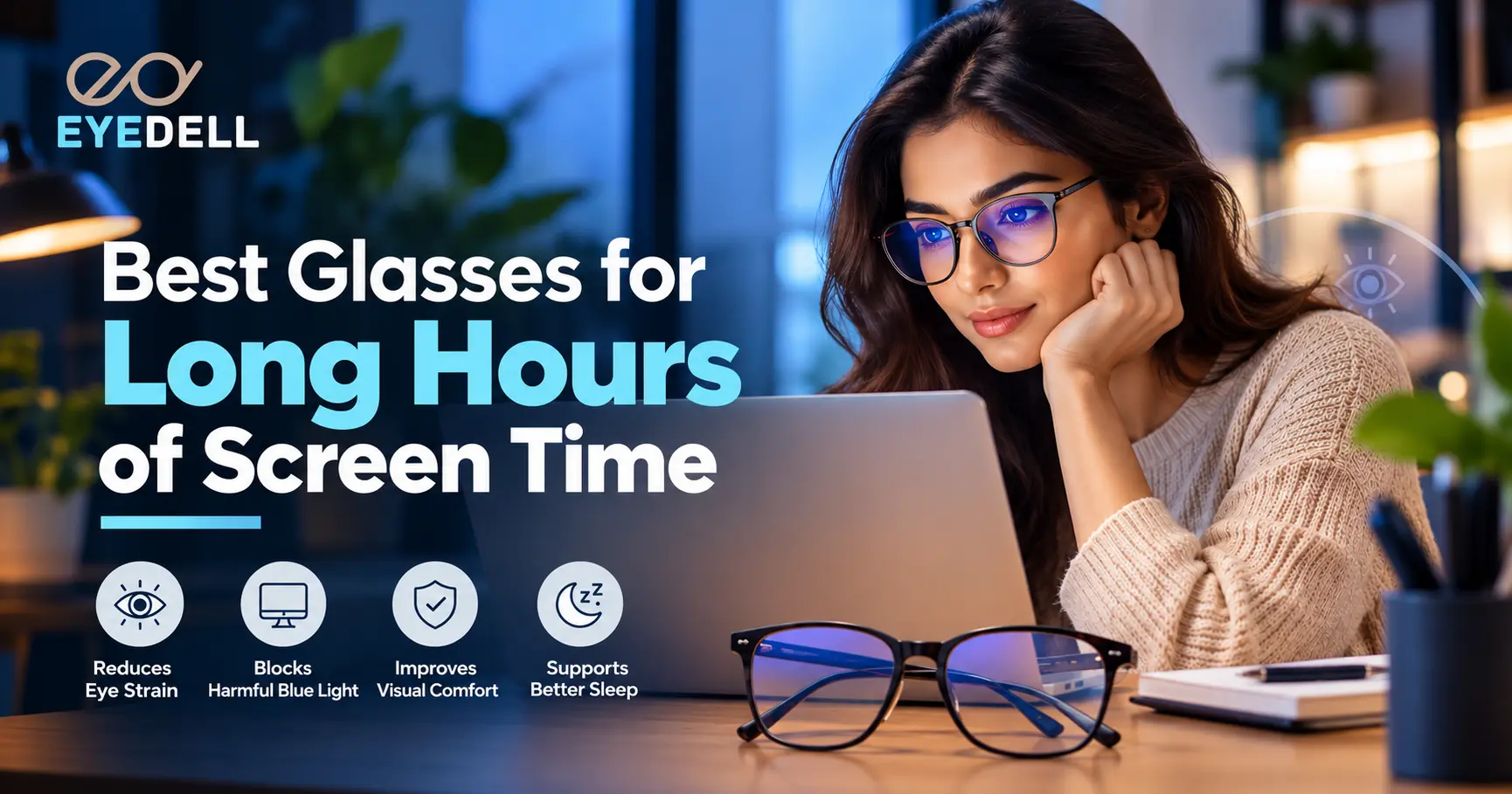
If you spend six to ten hours a day on a laptop, monitor or phone, you probably know the feeling: burning or watery eyes, a headache by evening, blurry text and a stiff neck. This group of symptoms is called Digital Eye Strain (also known as Computer Vision Syndrome), and the right pair of glasses can make a real difference.
Eyedell has been helping families with eye care and affordable eyewear since 1955. In this guide we explain why screens tire your eyes, which type of glasses suits which person, and how to choose a pair that you can actually wear all day. You can jump straight to our Screen Glasses collection at any time.
Why Do Your Eyes Hurt After Long Screen Time?
Many people blame blue light alone. In daily practice, the common causes are:
- Reduced blinking: we blink far less while staring at a screen, which leads to dryness, burning and redness.
- Constant near focus: the focusing muscles stay tight for hours, causing fatigue and headaches.
- Glare and reflections from tube lights, windows and glossy screens.
- Uncorrected or outdated power: even a small power such as -0.50 or +0.75 can cause strain on screens.
- Poor setup: wrong screen distance, brightness or posture.
Optical expert note: major eye-care bodies, including the American Academy of Ophthalmology, say there is no strong evidence that normal screen blue light damages the eye. Blue-cut lenses can still feel more comfortable for some people, especially during late-night use. This is why the correct power and a good anti-reflective coating matter more than the blue filter alone.
Types of Glasses for Screen Use
1. Blue Light / Screen Glasses
Best for people who want extra comfort during long or late-night screen use, with or without power. For the best result, choose a blue filter together with an anti-reflective (AR) coating. Browse our Screen Glasses range for ready-to-wear and customisable options.
2. Anti-Glare (Anti-Reflective) Lenses
This is the most underrated upgrade. An AR coating removes reflections from lights and the screen, so your eyes do less work to see clearly. It is especially helpful in offices with overhead lighting.
3. Prescription Computer Glasses (Single Vision)
If you have myopia, hyperopia or astigmatism, your correct power is the foundation of comfortable screen use. Add AR and a blue filter on top. Explore our Eyeglasses collection and pick a frame that suits your face and work routine.
4. Office / Progressive Lenses (Age 40+)
After around 40, the eyes find it hard to focus up close (presbyopia). Office or progressive lenses give clear vision for the screen, the desk and reading in one pair, so you stop tilting your head or switching glasses. Our team can guide you on the right lens; you can also talk to an eye doctor online first.
5. Zero-Power Computer Glasses
For people who do not need power but feel tired after screen use. They are light, affordable and a good first pair of screen glasses. See them in the Screen Glasses collection.
6. Photochromic Lenses
Useful if you move between indoors and outdoors often. Most photochromic lenses do not darken fully inside a car or office, so they are not a replacement for sunglasses. For outdoor days, see our sunglasses with UV protection.
Which Glasses Should You Choose? (Quick Comparison)
Your situation | Best option |
No power, mild eye strain | Zero-power glasses with AR + blue filter: Screen Glasses |
Myopia, hyperopia or astigmatism | Prescription lenses with AR + blue filter: Eyeglasses |
Age 40+, trouble with near and screen | Office or progressive lenses: Eyeglasses |
Late-night work or gaming | Blue-cut + AR coating: Screen Glasses |
Moving between indoors and outdoors | Photochromic + AR, with sunglasses for bright days: Sunglasses |
Children and teens with online classes | Eye test first, then lightweight frames: Kids Glasses |
Contact lens wearers with dry eyes | Keep a backup pair of glasses for long screen days: Contact Lenses |
How to Choose: A 6-Point Checklist
- Get your eyes tested first. Wrong or outdated power is the biggest hidden cause of strain. Consult an eye doctor if you are unsure.
- Always add an anti-reflective coating. Without it, even good lenses reflect light.
- Choose the right lens thickness. Higher powers (above ±3.00) look and feel better in thinner high-index lenses.
- Check the fit. A lightweight frame with comfortable nose pads reduces pressure during 8 hours of wear.
- Pick a durable coating: scratch-resistant, smudge-resistant and easy to clean.
- Match the frame to your routine. Full-rim frames suit daily office use, while kids need flexible and sturdy frames.
Best Glasses by Profile
Office professionals: lightweight rectangle or square frames with AR + blue filter. See Eyeglasses and Screen Glasses.
Gamers and designers: strong AR coating, comfortable full-rim frames, and a regular eye check. Start with Screen Glasses.
Students: durable, flexible frames, and a power check every 6 to 12 months. Browse Kids Glasses for younger students.
Professionals aged 40+: progressive office lenses so you do not keep adjusting your head. Explore Eyeglasses.
Shop the Right Pair at Eyedell
Category | Best for | Link |
Screen Glasses | Daily computer, phone and gaming use | |
Eyeglasses | Prescription and progressive wearers | |
Kids Glasses | Students and online classes | |
Sunglasses | Outdoor UV protection | |
Contact Lenses | Lens wearers needing a backup |
Habits That Work Along with Your Glasses
- Follow the 20-20-20 rule: every 20 minutes, look at something 20 feet away for 20 seconds.
- Blink consciously. If your eyes feel dry, ask an eye doctor about lubricating drops.
- Keep the screen an arm’s length away, with the top at or slightly below eye level.
- Match screen brightness to the room and use night mode in the evening.
- Take short breaks away from the screen and stay hydrated.
Conclusion
The best glasses for long screen hours combine your correct power, a quality anti-reflective coating and a comfortable fit, with a blue filter as a useful extra. If you are not sure where to start, begin with an eye check and then choose from our Screen Glasses or Eyeglasses range. Learn more about Eyedell and our experience since 1955.
Ready to ease your eyes? Shop Screen Glasses | Talk to an Eye Doctor | Contact Us
Frequently Asked Questions
Do blue light glasses really work?
They may improve comfort for some people, particularly at night. They do not replace a correct prescription, an AR coating or regular breaks.
Can I wear computer glasses all day?
Yes. Zero-power or correctly prescribed screen glasses are safe for all-day wear.
Do I need prescription glasses for screen use?
Only if an eye test shows a refractive error. Even a mild one can cause strain, so a test is the best first step. You can book an eye doctor consultation with Eyedell.
Which is better, blue cut or anti-glare?
Anti-glare gives the more noticeable day-to-day benefit. Most good screen lenses combine both.
How often should I get my eyes tested?
Once a year, or sooner if you have headaches, blur or frequent eye rubbing.
When should I see a doctor?
If you have persistent pain, double vision, sudden vision changes or redness that does not settle, see an eye doctor promptly.
Where can I check delivery, returns and other queries?
Visit our FAQs page or contact us directly.